
Stream Helper simplifies the process of creating a video stream on your PC to view on other devices. It uses VLC Media Player to create a HTTP progressive video stream. It can stream video files or the windows desktop. It is a C# Winforms application, and it requires .NET Framework 4.5.2
I created stream helper as a companion app for my mobile app "Home Theater VR", which is available for Android and Windows Phone, but it can be used to stream video to any device that can view an HTTP stream.
Streaming the Windows desktop requires Screen Capturer Recorder.
When you start Stream Helper, it will automatically detect if VLC is installed. If VLC is not installed in the default location, you will need to place “Stream Helper.exe” in the VLC directory, in the same folder that contains the “vlc.exe” executable. If you have more than one version, place Stream Helper in the VLC folder that you prefer to use. Stream Helper will look for vlc.exe in it’s current folder first, before looking in the default install location.
You can find Stream Helper documentation here.
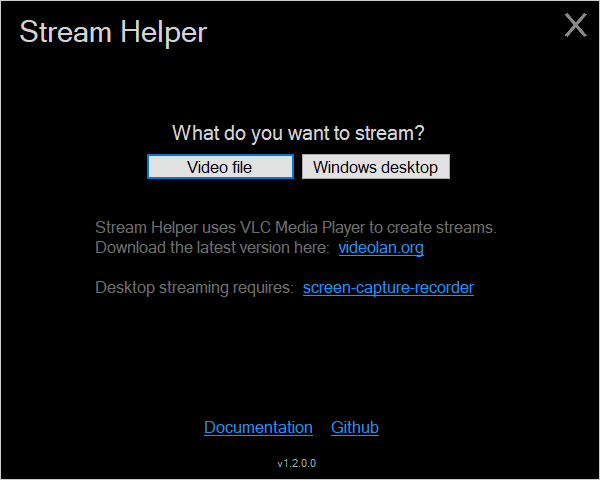
Main:
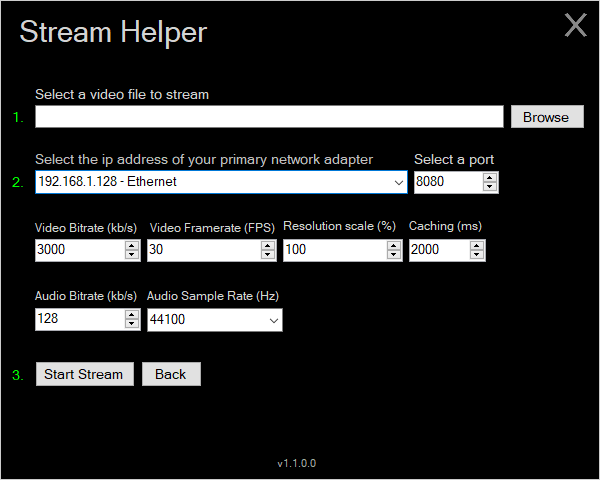
File:
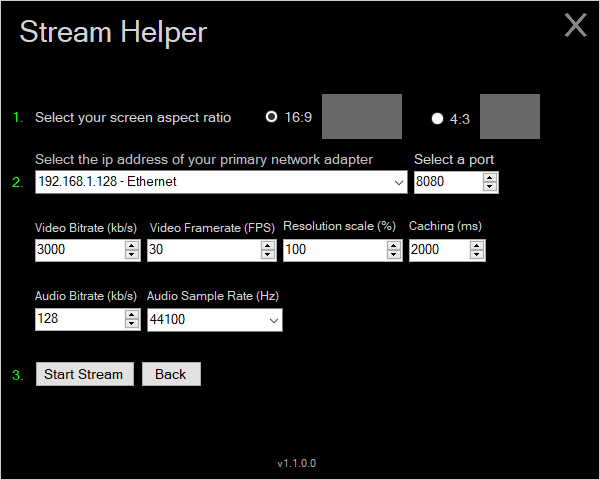
Desktop:
Stream Helper is released under the GPL v2.0 license.